
Best Travel Route Planning App: What to Look For
Find the best travel route planning app for your trip, with the booking, itinerary, and sharing features that keep every stop organized in one place.
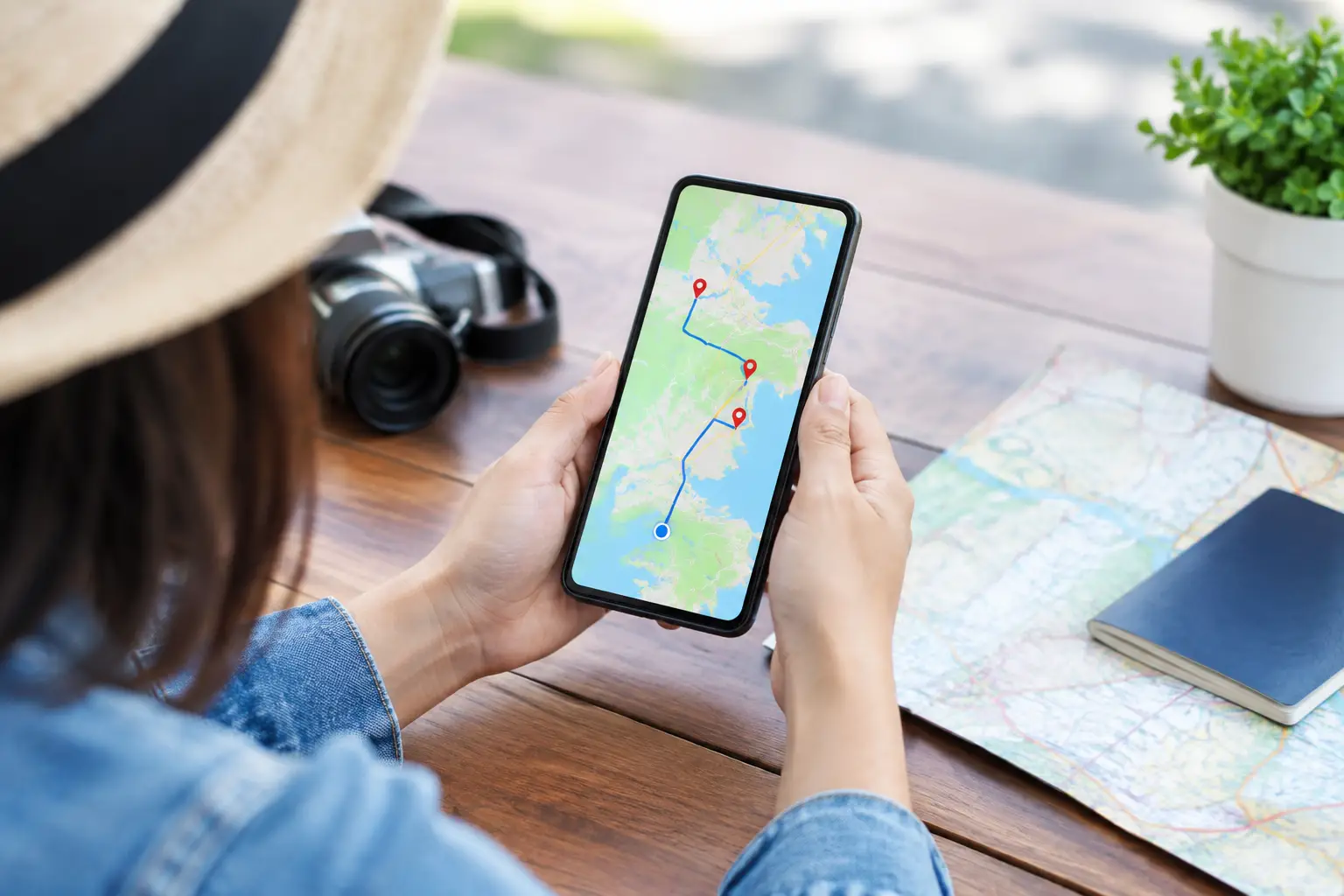
A great trip can fall apart long before departure. A hotel confirmation sits in one inbox, a saved restaurant in another app, and a must-see tour gets buried in a group chat. The best travel route planning app brings those moving parts into a plan you can actually use, whether you are mapping a weekend in Chicago or a two-week trip across Europe.
For most travelers, the question is not simply which app draws the fastest line between two places. It is which tool helps you discover what belongs on the route, organize every reservation around it, and keep the plan useful when the trip changes.
What Makes the Best Travel Route Planning App?
Route planning means more than entering an address and accepting the suggested directions. Travel routes have fixed check-in times, opening hours, time zones, luggage, transit connections, and the simple reality that you may want room for an unplanned coffee stop or a great local recommendation.
The right app should help you build an itinerary around the way you want to travel. A solo traveler may prioritize walkable neighborhoods and flexible activities. A family may need to factor in nap times, hotel check-in, and shorter travel days. Friends coordinating a road trip need everyone to see the same plan without passing screenshots back and forth.
Start by looking for an app that connects four jobs: destination discovery, route organization, reservations, and trip sharing. If a tool only solves one of them, it can still be useful. But it will not eliminate the switching, copying, and rechecking that makes travel planning feel like work.
A route that reflects real travel time
A driving route is rarely just about distance. The best route planning tools account for the order of your stops and make it easy to see where your day becomes unrealistic. If your museum reservation ends at 2:00 p.m. and your food tour begins across town at 3:00 p.m., the itinerary should make that conflict obvious.
Look for flexible scheduling rather than a rigid minute-by-minute plan. You should be able to move an activity to another day, change the order of stops, and see the rest of your itinerary adjust around it. For road trips, support for multiple stops is essential. For city breaks, neighborhood-based planning can be more valuable than finding the shortest route on a map.
Reservations alongside the route
A route is only as helpful as the information attached to it. Your lodging, transportation, tours, and activities should sit close to the days and places where they matter. That way, you are not searching through confirmation emails while standing at a train station.
An integrated platform can reduce this friction by letting you discover and book travel services while you organize the itinerary. Toorizta is built around that connected flow: discover a destination, book key parts of the trip, organize the adventure, and share it when you return.
This does not mean every reservation has to be made through one platform. You may already have airline miles, a preferred hotel program, or a favorite local tour operator. The important thing is that your planning app can act as your trip's central reference point, even when bookings come from more than one source.
Easy collaboration without planning chaos
Planning with other people can be fun until five travelers each have their own list of priorities. Shared itineraries give everyone visibility, but the best tools make collaboration clear rather than noisy.
Look for the ability to share a trip plan, add places, and keep updates visible to the group. A useful app makes it clear what is confirmed, what is only an idea, and what still needs a decision. This matters for couples planning together, friends splitting responsibilities, and families coordinating travel across generations.
Before you invite everyone, set a simple rule: use one itinerary as the source of truth. Keep casual ideas in conversation, but put confirmed details and serious contenders into the shared plan. That small habit prevents duplicate bookings and last-minute surprises.
Choose an App for Your Type of Trip
There is no single winner for every itinerary. The best travel route planning app for a cross-country drive may not be the best choice for a long weekend in New York City. Choose based on the decisions you need to make.
For road trips and multi-stop travel
Prioritize multi-stop routing, a clear daily view, and the ability to rearrange stops. Your itinerary should show where you will sleep each night and reveal when a scenic detour turns a reasonable drive into an exhausting day.
Build each day around one anchor, such as a national park hike, a hotel check-in, or a dinner reservation. Add nearby stops around that anchor rather than plotting every attraction you could possibly visit. The most efficient route is not always the most enjoyable one.
For city breaks
Choose an app that helps you organize places by neighborhood and day. A short trip can be derailed by crossing the same city three times because every saved place looked close on a small map.
Group attractions, meals, and experiences geographically. Reserve timed activities first, then fill the gaps with flexible options nearby. This creates a route that feels intentional while leaving space to explore a bookstore, market, or park that was not in the original plan.
For international trips
International itineraries need strong organization. Keep flight details, lodging addresses, transit connections, and booked tours in one view. Pay special attention to arrival days, time changes, and transfer time between airports, train stations, and accommodations.
Avoid scheduling your most important activity immediately after a long-haul flight. Route planning should support the pace of the trip, not pressure you to treat every hour as a productivity challenge. A lighter first day gives you more room to recover and adapt.
For group travel
The deciding feature is usually collaboration, not routing. Pick a tool that lets the group view the schedule easily and share relevant details without requiring everyone to manage the plan.
Give one person final responsibility for the itinerary, even if decisions are shared. That person does not have to choose every restaurant, but they should keep dates, booking times, and transportation details current. One organized plan is better than a democratic spreadsheet nobody opens.
Features Worth Checking Before You Commit
Many travel apps look polished in a quick search. Test the details that matter before you invest hours building a trip. Four features deserve particular attention:
- A map and itinerary view: Maps help you understand distance and location. An itinerary view helps you understand time. You need both to plan well.
- Editable stops and days: Plans change. Make sure you can move an activity, remove a stop, or shift an entire day without starting over.
- Booking details in context: Reservation numbers, addresses, times, and notes should be easy to find when you need them.
- Sharing and access controls: Confirm who can view, edit, or contribute to the plan, especially for group trips.
Also consider how the app works while you are traveling. A feature-rich planner is not helpful if key details are hard to find on your phone. Check whether the daily schedule is easy to scan, whether locations open in your preferred navigation tool, and whether you can quickly share updates with your travel companions.
Build a Route You Will Actually Follow
Start with the nonnegotiables: transportation, accommodations, and ticketed experiences. These create the framework for the trip. Next, add the places you most want to see, then organize them by proximity and available time.
Resist the urge to fill every open space. A practical route includes buffers for traffic, transit delays, lines, wrong turns, and the moments that make a trip personal. If a plan leaves no room to linger, it is probably too full.
A useful check is to look at each day and ask two questions: Can I get from place to place comfortably? Would I still enjoy this day if one stop takes longer than expected? If the answer is no, remove something. Fewer, better stops usually lead to a more memorable trip.
Plan, Book, and Leave Room to Explore
The best app is the one that helps you make confident decisions before you go and simple ones while you are there. It should bring your route, reservations, and travel ideas into focus without turning your vacation into a logistics project.
Build the structure, book what matters, and share the plan with the people joining you. Then leave enough open space for the unexpected viewpoint, neighborhood cafe, or local tip that never appeared on your original route.